
Channels, organized
Browse live channels by category, mark favorites, hide unwanted channels, and stream directly in the built-in HLS player.
myTV Manager is primarily a self-hosted stream organiser and local proxy. It connects to your streaming provider, curates your library of Live TV, VOD, and Series, and re-serves it as a clean local API that any compatible TV player (Tivimate, Kodi, VLC…) can connect to. It also includes a fully functional built-in web player — though organising and proxying is what it was built for.
Everything runs locally on your machine or server.
First run opens a setup wizard — no config files needed.
A complete self-hosted solution — from setup wizard to download manager, all in one web UI.
Browse live channels by category, mark favorites, hide unwanted channels, and stream directly in the built-in HLS player.
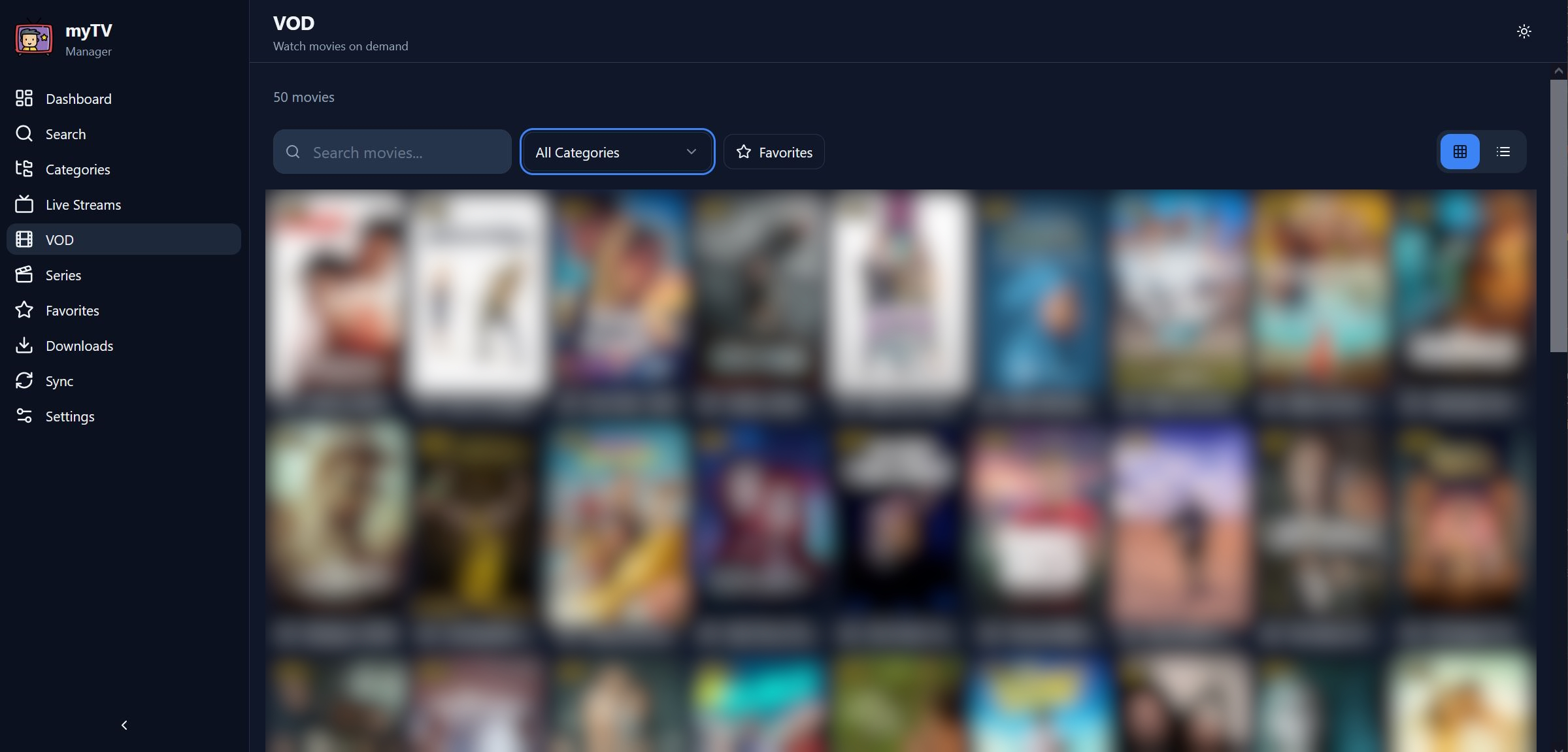
Filter movies by rating, browse by category, play in the built-in player or download to watch offline — with automatic subtitle download.
Browse series, expand seasons and episodes, and play any episode directly from the interface with full player controls.
Star channels, movies, and shows across all content types. Favorites persist through syncs and can be exported/imported.
Queue VOD items for download. Configurable parallel downloads, speed throttling, auto-retry on failure, and subtitle download.
Trigger manual syncs or let the scheduler handle it. Export and import your positions, favorites, and visibility settings.
Switch between dark (default) and light theme with a single click. Preference is saved in your browser.
Search across Live TV, VOD, and Series simultaneously. Results appear instantly — no page reload required.
A guided first-run wizard collects your TV credentials, saves them, and kicks off the first sync automatically.
Dark mode by default. One click to switch to light mode.
myTV Manager's main goal is to be a stream organiser and local proxy — it sits between your provider and your favourite TV players, curating your library and re-serving it as a clean local API. It can also be used as a fully functional TV player in its own right, but that is a secondary feature, not its core purpose.
Deploy with Docker (currently the recommended method) on your home server, NAS, or any machine on your network. Standalone binaries for Windows, macOS, and Linux are coming soon.
The setup wizard asks for your provider credentials (server URL, username, password). myTV Manager syncs your full library — Live TV, VOD, and Series — into a local database on your machine.
Reorder categories, hide unwanted channels, mark favourites, and filter content. Your personalised layout is saved locally and survives re-syncs — something most TV players cannot do on their own.
myTV Manager exposes a local API endpoint on your network. Point your existing TV player (Tivimate, IPTV Smarters, VLC, Kodi, etc.) to it — it receives your personalised, pre-organised library instead of the raw provider feed.
A built-in web player is fully supported — Live TV (HLS), VOD, and Series all play directly in the browser. While the app can absolutely be used as your main player, its core design goal is to organise your library and act as a proxy for external players.
Queue VOD items for local download with configurable parallelism, speed throttling, auto-retry, and automatic subtitle fetching — all managed from the web UI.
Architecture at a glance
Your TV player connects to myTV Manager's local API — not directly to your provider. It receives your personalised, curated library.
Docker is the recommended and currently available distribution. Standalone binaries for all platforms are coming soon.
Runs in a container. Data persists in a named volume. Supports Intel/AMD and Apple Silicon (ARM64) natively.
services:
  mytvmanager:
    image: mytvmanager/mytvmanager:latest
    container_name: mytvmanager
    ports:
      - "2030:2030"
    volumes:
      - mytvmanager-data:/data
    environment:
      LOCAL_PORT: "2030"
      # TV_URL: "http://your-provider.com"
      # TV_USERNAME: "your-username"
      # TV_PASSWORD: "your-password"
    restart: unless-stopped

volumes:
  mytvmanager-data:
One-liner to get running immediately. Data is persisted in a named volume.
docker run -d \
  --name mytvmanager \
  --restart unless-stopped \
  -p 2030:2030 \
  -v mytvmanager-data:/data \
  mytvmanager/mytvmanager:latest
Skip this if you prefer — the setup wizard on first launch will ask for your credentials interactively.
docker run -d \
  --name mytvmanager \
  -p 2030:2030 \
  -v mytvmanager-data:/data \
  -e TV_URL="http://your-provider.com" \
  -e TV_PORT="80" \
  -e TV_USERNAME="your-username" \
  -e TV_PASSWORD="your-password" \
  mytvmanager/mytvmanager:latest
Designed for private local networks only. Do not expose to the public internet.
All data is stored in the mytvmanager-data volume.
No Docker, no Python, no dependencies — one file, double-click to run. Available for all major platforms.
By downloading, installing, or using myTV Manager you agree to the following terms.
Frequently asked questions about what myTV Manager is, what it is not, and how it should be used.
No, absolutely not. myTV Manager does not host, bundle, provide, stream, or distribute any television channels, movies, series, or any other media content. It is purely a neutral software organiser — similar to a media player or a file manager. All content sources are entered manually by the user. The developer has no knowledge of, and no control over, what sources users choose to connect.
myTV Manager as standalone software is legal. It is a neutral tool equivalent to a media player or a browser. Legality depends entirely on what you connect it to. You must only connect myTV Manager to streaming services you are personally subscribed to and legally authorised to access. Connecting to pirated, unauthorised, or illegally redistributed content is illegal and a direct violation of these Terms of Use. This is not legal advice.
Only if the subscription's terms of service permit the use of third-party client software and private self-hosted interfaces. You are responsible for reading and complying with your provider's terms. myTV Manager takes no responsibility for whether a specific use case is permitted by your provider's terms.
No. myTV Manager is designed exclusively for use on a private local network (your home or office LAN). It must not be exposed to the public internet. There is no authentication system designed for public exposure, and doing so is a misuse of the software outside its intended design. Access it from any browser on the same local network, e.g. http://192.168.1.x:2030.
myTV Manager connects to streaming services that expose a standard playlist-based API (server URL, username, password). This is a widely supported format used by many legitimate subscription streaming services. You need valid credentials from a service you are authorised to use.
Yes. The Docker image is a multi-platform manifest covering both linux/amd64 (Intel/AMD) and linux/arm64 (Apple Silicon, Raspberry Pi). Docker Desktop on macOS pulls the native ARM64 slice automatically — no emulation needed, full native speed.
Standalone binaries (no Docker, no Python, no dependencies) for Windows, macOS (Intel & Apple Silicon), and Linux are currently in preparation and will be released soon. For now, Docker is the recommended and only available distribution. Email mytvmanager@proton.me to be notified when they are available.
Yes — any device on your local network that supports Docker with ARM64 or AMD64. The ARM64 image works natively on Raspberry Pi 4/5 and ARM-based NAS devices (Synology, QNAP). The application is accessible from any browser on the same local network.
Use the Export Configuration feature in the Settings page. It saves your favorites, category positions, and visibility settings to a JSON file. You can import it after a re-sync or on a fresh installation via Import Configuration.
Yes. The download manager can fetch subtitles for downloaded items. Configure the preferred language (default: English) in the Downloads settings. You are responsible for ensuring subtitle use complies with applicable copyright law.
For questions, bug reports, or support, email mytvmanager@proton.me.